 Offline

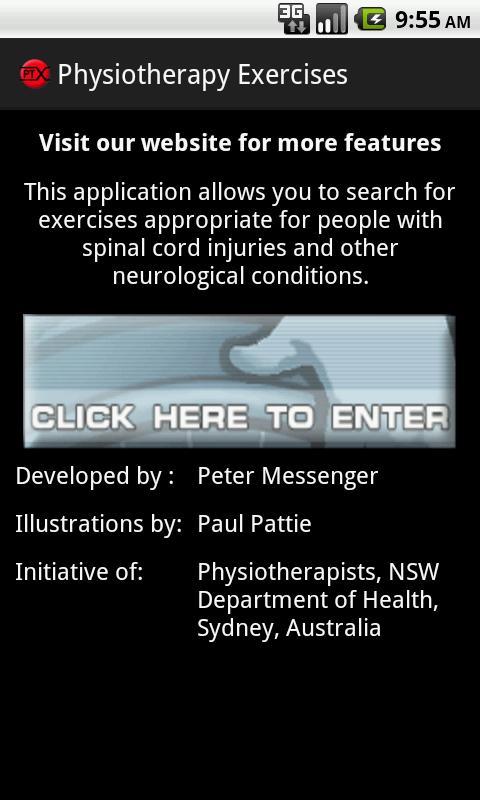
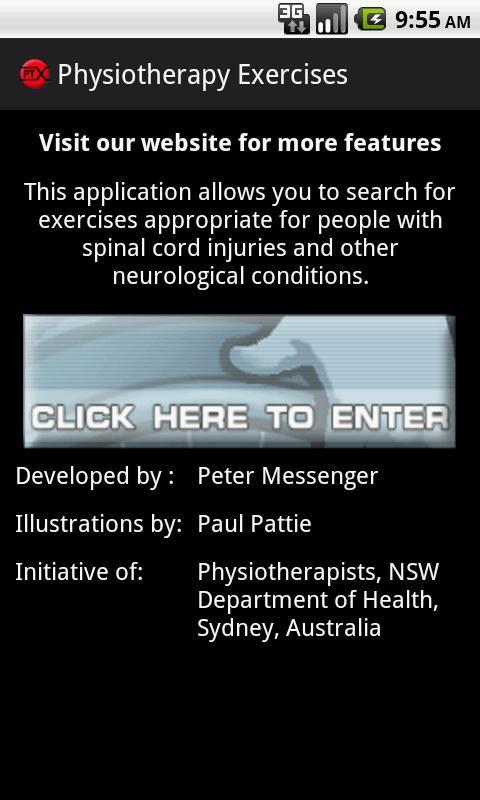
Search for exercises appropriate for people with spinal cord injury
This application enables you to :
- search for exercises appropriate for people with spinal cord injury and other neurological conditions
- select exercises and compile them into booklets for your clients
There are over 950 exercises to choose from.
You can search for exercises based on
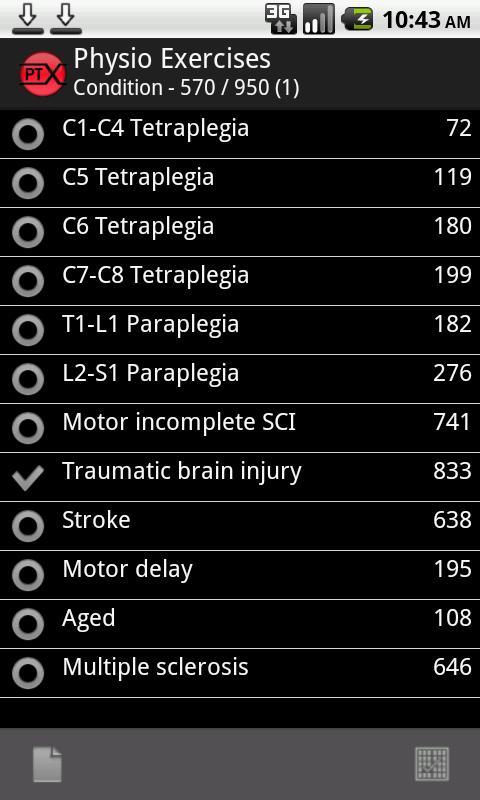
- Condition
- Exercise Type
- Body Part
- Equipment Available
- Exercise difficulty
- Age Category
There is no charge for using the application.
You can make booklets of exercises and view them, output them to word/pdf, email them to friends or coworkers, share them on twitter and facebook, output them to evernote or google docs and even sms them.
Booklets can be customised to suit your needs.
The application integrates with the main site http://www.physiotherapyexercises.com, so any booklets you create there will be available on your phone and vice versa.
It requires you to create a logon to save booklets to our server.
The application integrates with your contacts, so you can (if you wish), use it to pick email addresses if you wish to send a booklet to someone, or pick a mobile phone number if you wish to send a link to your booklet via sms.
We do not use this functionality for anything else.
Please give us feedback on how we can improve the application, it helps us get funding to add more exercises and other features.
Translations are a work in progress by our generous volunteers, if you would like to help with translations please email me.
Searching
---------------------------------
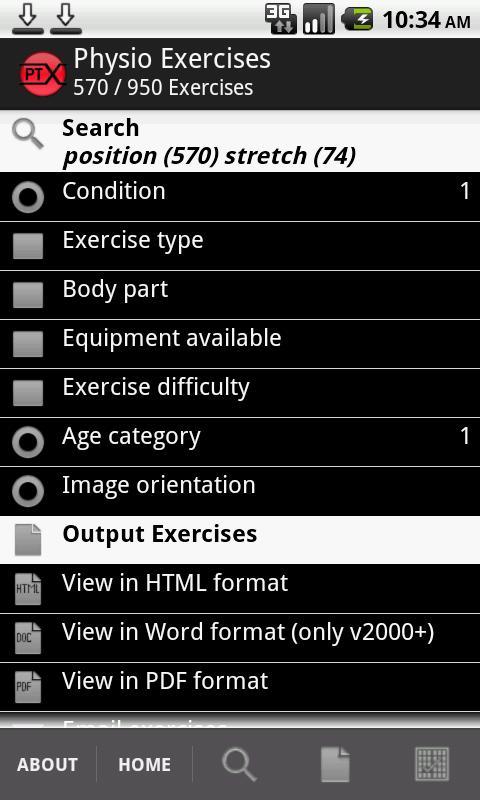
The search criteria show the number of options selected on the right. You can only select one option, for Condition, Age category and Image Orientation. These options are used to determine the images displayed.
Search criteria with multiple selections can have the options removed by tapping the 'None' in the toolbar.
The number of exercises that match each option is shown on the right.
The total number of exercises that match your criteria is shown at the top.
If you enter too many search options, you can end up with zero matching exercises.
You can read more details on how the program works by tapping the "android" option in other platforms. In this case, remove some of the search options.
Output Exercises
-------------------------
There is a large range of options for outputting your selected exercises, including HTML, Word, PDF, Evernote, Google Docs, Email, Twitter and Facebook.
Refining Selections
----------------------------
If you create a logon, you can select individual exercises via various options (people are different and are more comfortable with one option over another).
You can then save your exercises to client booklets.
Changing Client Booklets
------------------------------------
The booklet formats can be altered to suit your needs by going into the Default settings section and experimenting.
Information
---------------
General information on who we are and our aims, twitter feed, change history etc.
Contact Us
----------------
Contact us, leave a note in our guestbook or provide feedback.
More Help
---------------
Read the "android" section under "Other Platforms". This has screenshots explaining each screen.
If you are bored with playing the vanilla version of Metaphor ReFantazio, you can check out these five mods.
Get free Primogems, Mora, Experience, and more with these November 2024 Genshin Impact codes, 5.1 livestream codes, and find out how to redeem active codes.
Struggling with your submissions for Roblox's The Haunt event in 2024? Check out our guide on using Dress to Impress to create your captures!
Our walkthrough for Dragon Age: The Veilguard with some handy tips and tricks, with guides for puzzles, bosses, companions, equipment, romance, and more!
Looking for some bonus resources in Sea of Conquest: Pirate War? We’ve got you covered with these codes for the latest seafaring freebies.
Which faction should you pick in Dragon Age: The Veilguard?